What it is
StudyGroup is a mobile application that aims to encourage collaboration and assistance between students across social networks, fields of study and study years.
What
A mobile app that connects students who need help with students who can give it.
Focus
A custom Go API and an Android app.
Role
Product manager and project manager, plus design and development.
Stack
Kotlin and Jetpack Compose for the Android app, a REST API in Golang, SQLite locally and Firestore for shared data.
Shows
A custom-built router with a middleware chain, JWT authentication, and all Firestore access routed through the API.
StudyGroup is a mobile application that aims to encourage collaboration and assistance between students across social networks, fields of study and study years.
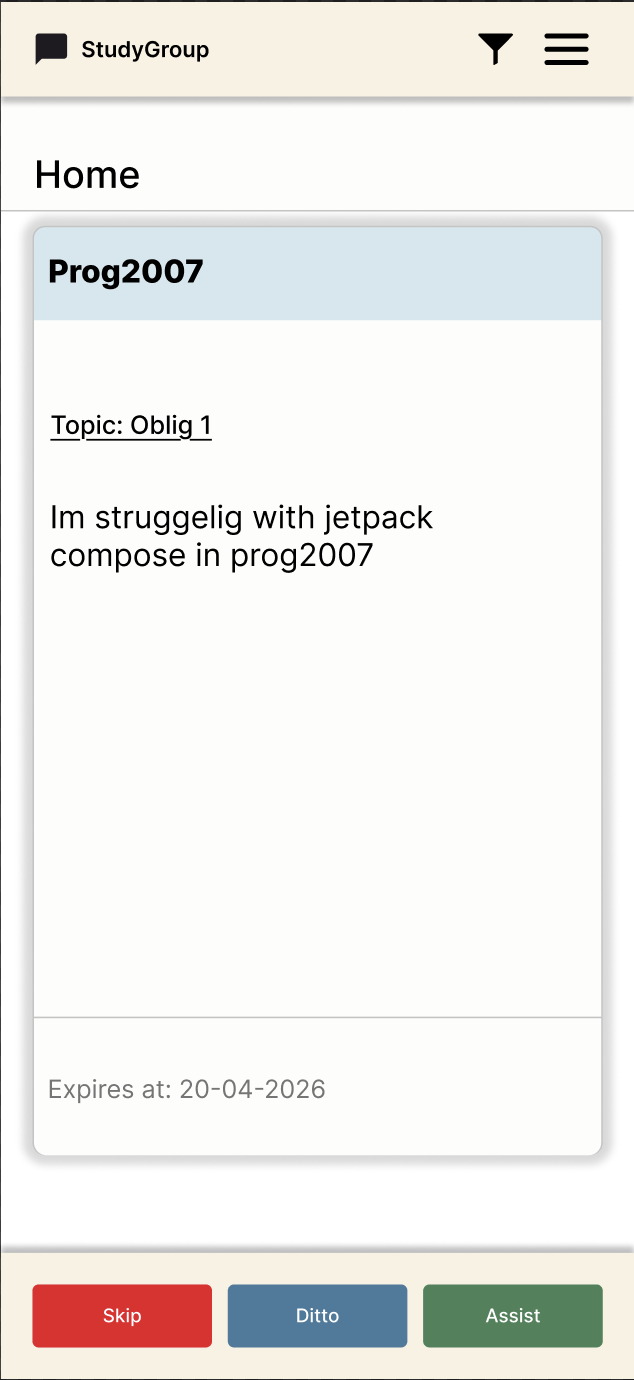
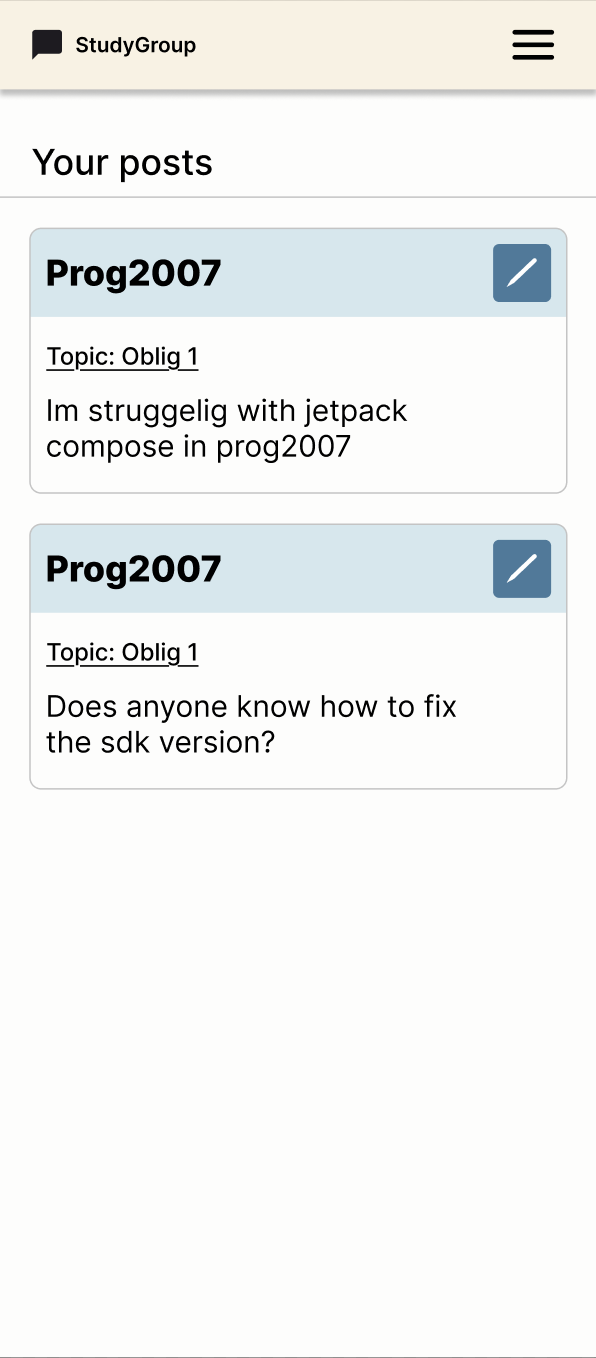
Students can post questions about subjects and assignments, or anything else they might want help with, within the subjects they take. Only students who take the same subject can see the posts categorized under it. Other students on the platform can see these posts, and respond that they can help, want help with the same thing, or neither.
When someone responds that they can assist, a group is automatically formed with those who want help and those who can offer help. They then get access to an anonymous meeting-focused chat where they can agree on when and where to meet.
The chat is anonymous in order to shift the focus to assistance, collaboration and group formation rather than who is participating.
1 / 5
Kotlin
The language of the Android app.
Android Studio
Used to build the app.
Jetpack Compose
The UI of the app.
SQLite
The local database of the app, also used for messages.
Firebase
Firestore stores posts, user data and messages.
Golang
The language of the REST API, built with net/http.
StudyGroup consists of an Android application, a local SQLite database, a REST API written in Golang, and Firestore.
The application handles CRUD operations against the local SQLite database directly, while communication with Firestore goes exclusively through the API.
Although Firestore offers a native SDK for direct client integration, all communication is routed through the API to ensure consistent user identification and access control. Authentication is handled via JWT, which is used for client-to-API communication.
Posts and user data are persisted in Firestore, while messages are stored both locally in SQLite and in Firestore. The API is also responsible for operations that involve multiple users, such as creating study groups and handling the associated entries in Firestore.
The API is written in Golang with net/http, and uses a custom-built router that organizes routes in a binary tree.
Each route is connected to a middleware chain, where relevant middleware such as authentication is run before the request reaches the controller.
The controller acts as an orchestrator and delegates business logic to reusable service functions. It is the service functions that handle communication with Firestore directly, and return the result back to the controller.
The application is written in Kotlin and built with Jetpack Compose, where navigation is handled via NavHost.
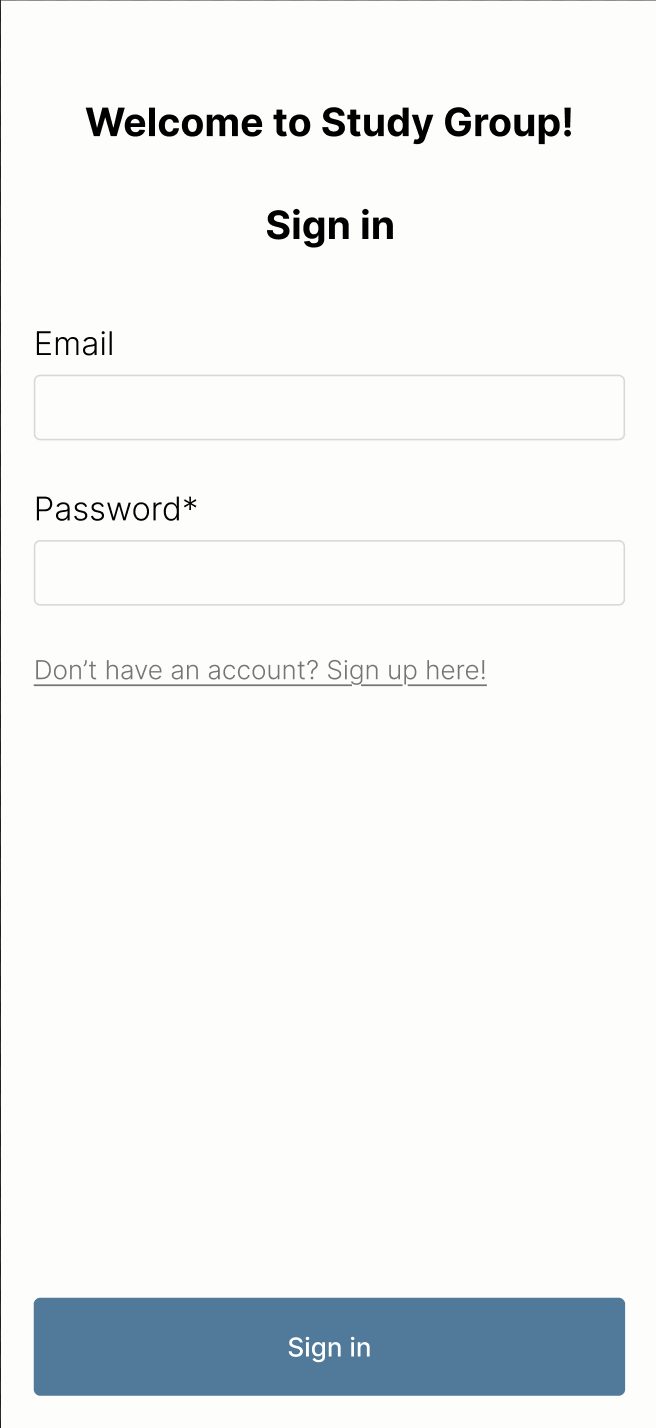
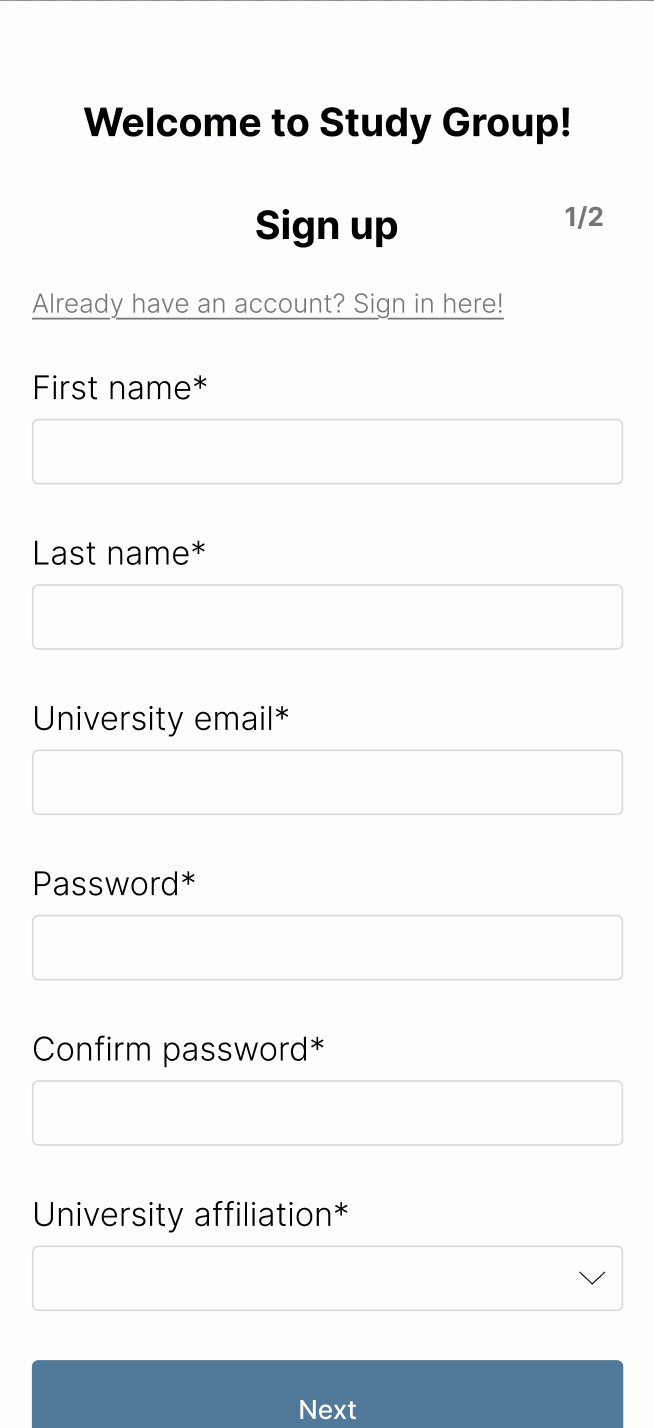
Routes that require login are protected based on whether the user has a valid access token, which blocks access to screens that require authentication.
MainActivity is responsible for fetching sensor data and global styling, which is passed on as parameters to the relevant screens.
Each screen owns its own state and uses shared, reusable components, layouts and utility functions. The layout component is imported per screen rather than at the NavHost or MainActivity level, since not all screens use it.